The ticket-triage workflow, run start to finish on sample data, 23 seconds. A ServiceNow ticket arrives from Dana: “Customer can’t access their account.” The customer’s account history from Salesforce and a help article from the knowledge base are gathered. The Agent, on Claude Sonnet, types a reply grounded in them. The draft goes to the on-call support agent in Slack, marked approval required, and a cursor clicks Approve. The run’s log ticks through every step and the reply goes out. It closes on the FabriMesh mark and “Route AI-drafted work to a human before it goes out.”
Ticket Triage — Route and respond to support tickets automatically
Route and respond to support tickets automatically
Input
ServiceNow
New ticket
Customer can't access their account
0.04sLLM
Claude Sonnet
Draft with RAG
Pulls the account history from Salesforce and grounds the reply in your knowledge base
382 tokens0.9sAction
Slack
Send for approval
Routed to the on-call support agent for one-click approval, or auto-sent when the ticket is low-risk
Approval required
0.11s
Sample run.
Ticket triage
One ticket, from arrival to reply.
The ticket-triage workflow above, written out step by step.
A ticket arrives
ServiceNowCustomer can’t access their account
I changed my password this morning and now I can’t sign in.
Context is gathered
SalesforceKnowledge base- The customer’s account history, from Salesforce.
- The help article on unlocking a locked account, from the knowledge base.
AI drafts a reply
Claude SonnetHi Dana, sorry you’ve been locked out. Your account was locked after a few failed sign-in attempts following your password change. Use “Forgot password” on the sign-in page to set a new one, and it will unlock. If that doesn’t work, reply here and we’ll sort it out.
A person approves it
SlackThe draft goes to the on-call support agent, who approves it with one click.
Approval required
The reply goes out
ServiceNowThe approved reply is sent to the customer.
Chapters
The film, in four chapters.
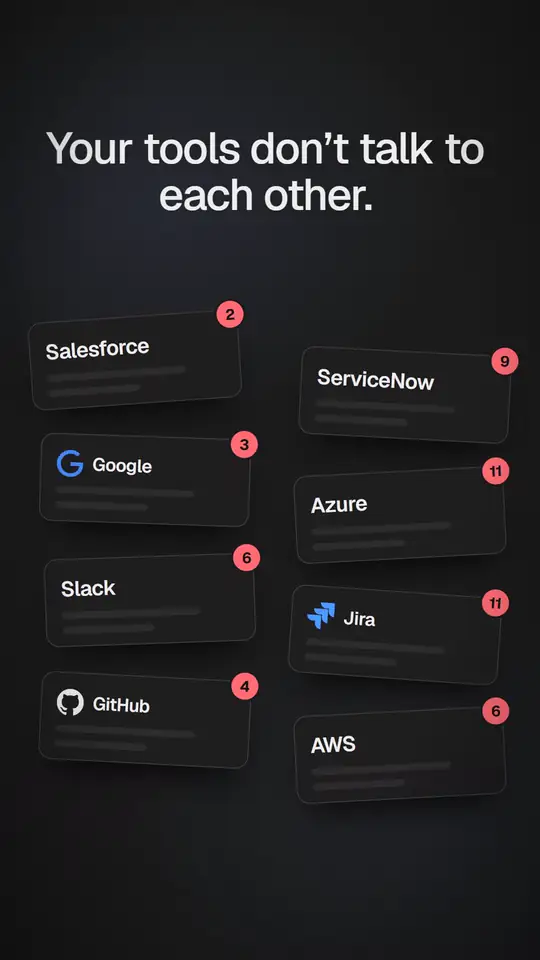
Your team is drowning in tools that don’t talk to each other. Eight tool cards — Salesforce, ServiceNow, Google, Azure, Slack, Jira, GitHub and AWS — each with a growing red notification badge. Then “tens of thousands of dollars” and “months” are struck through in red, and “There’s a faster way.” types in.
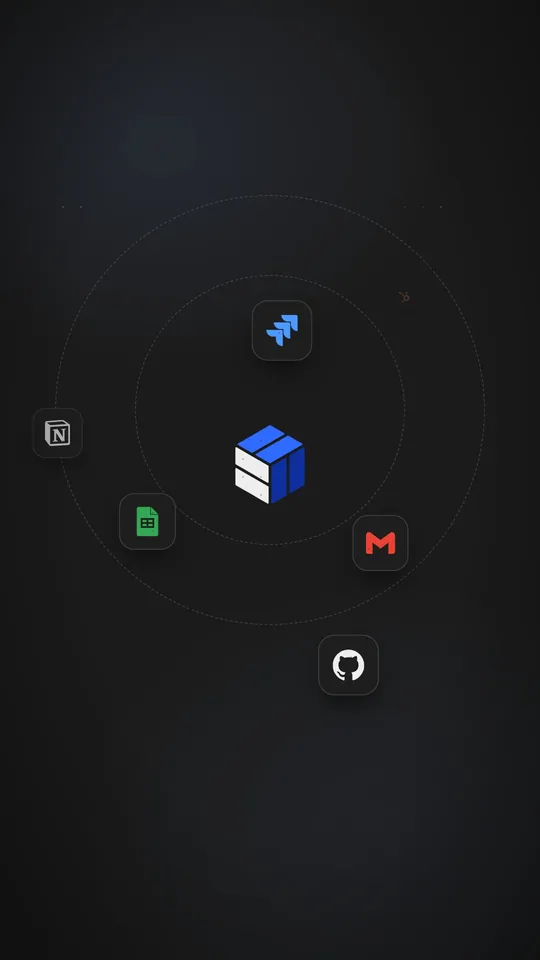
Connect everything. A prompt types into a box and is sent. The box becomes the FabriMesh mark while Gmail, Google Sheets, Jira, GitHub, Notion and HubSpot orbit it.
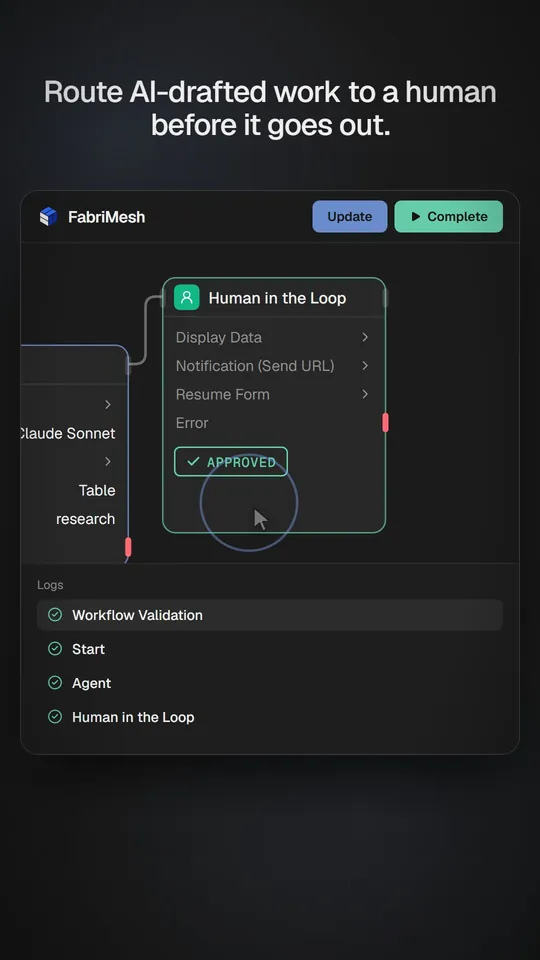
Route AI-drafted work to a human before it goes out. A workflow runs in the editor: Start, Agent, then Human in the Loop. The log ticks through each step, an approval is requested, a person approves it, and the run completes.
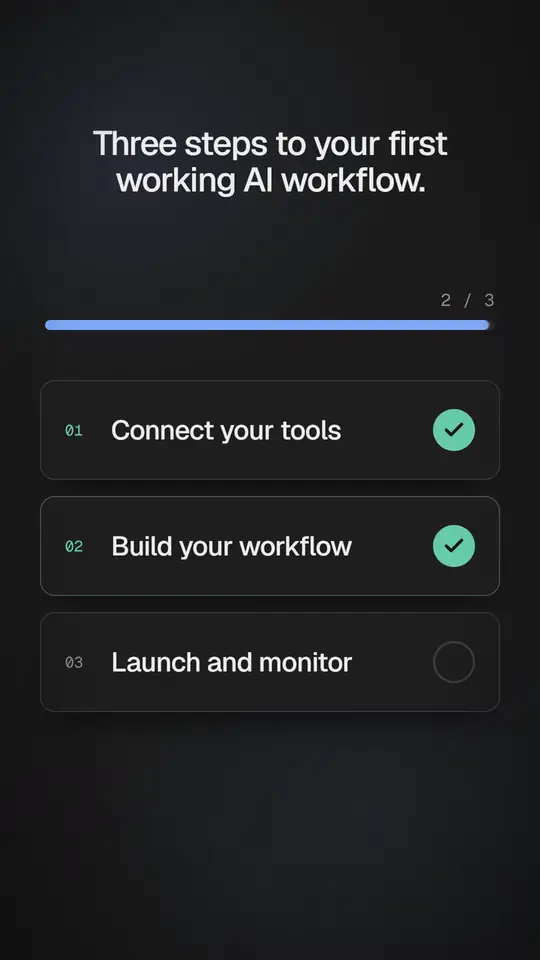
Three steps to your first working AI workflow. Three steps tick off one by one — connect your tools, build your workflow, launch and monitor — while a progress bar fills.
Get started
Start with one journey. Scale from there.
Pick a high-volume task, connect the systems it needs, and see it working on your data.